Implementation
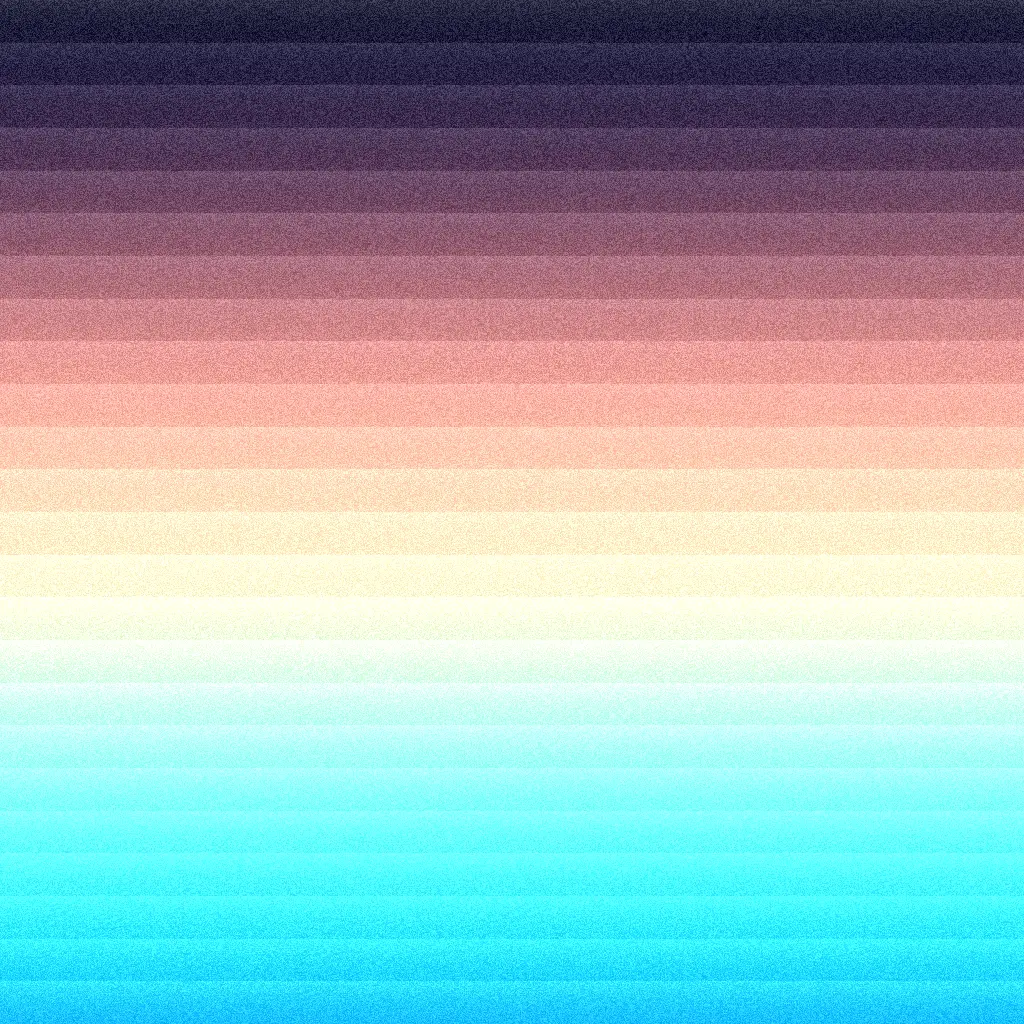
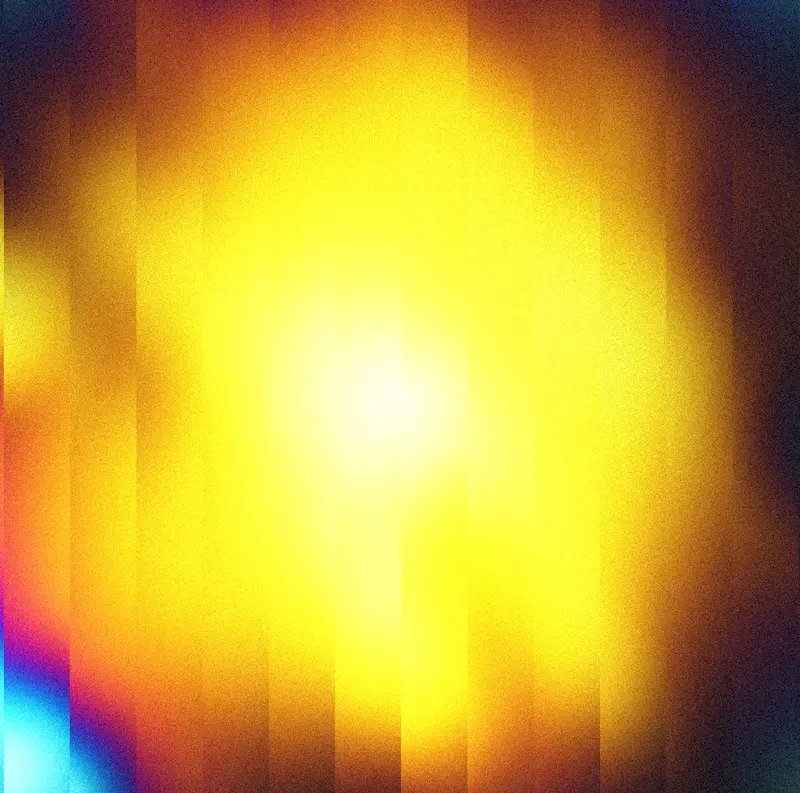
The Dawn series of shaders are a tribute to some of the beautiful work of Rik Oostenbroek.
I've been a huge fan of his work for a long time, and was particularly inspired by some of his pieces that feature lovely, vertically-oriented gradients with a simple, repeating, linear pattern and a grainy texture.
A couple of examples that inspired this shader:
This is a variation of the Dawn 1 and Dawn 2 series of sketches.
Breakdown
This shader is surprisingly simple, but gives such an excellent result. It's a mixture of procedural color palettes, a fractionated pattern, and a grainy texture effect applied at the end, almost like a post-processing effect. There are 4 essential parts to this shader:
Gradient
This gradient uses our cosinePalette function, which is a simple way to create a gradient of colors using a cosine function. I use this function a lot in my own work, and it's a great way to create a smooth, continuous gradient of colors.
// Get aspect-corrected UVs for the screen
const _uv = screenAspectUV(screenSize).toVar()

// Palette arguments
const a = vec3(0.5, 0.5, 0.5)
const b = vec3(0.5, 0.5, 0.5)
const c = vec3(1.0, 0.7, 0.4)
const d = vec3(0.0, 0.15, 0.2)

// Offset radial gradient
const col = cosinePalette(length(_uv.add(vec2(0.5, -0.5))).add(2.5), a, b, c, d)
Pattern
This radial pattern is a simple, repeating pattern using the fract and sdSphere functions. I've moved this towards the top of the coordinate space so that it appears to be radiating from the top.
// Get aspect-corrected UVs for the screen
const _uv = screenAspectUV(screenSize).toVar()

// Number of radial repetitions
const r = 15

// Radial repeated pattern
const repeatedPattern = fract(sdSphere(_uv.add(vec2(0.0, -0.6)).mul(r)))
Texture
The grain function adds a grainy texture to the image. This is a simple function that creates noise and then applies it to the image.
// Get aspect-corrected UVs for the screen
const _uv = screenAspectUV(screenSize).toVar()

// Add grain for texture
const _grain = grainTexturePattern(_uv).mul(0.2)
finalColor.addAssign(_grain)
Punching up the output
The pow function adds a bit of added contrast to the pattern. We want to try and make the bright parts brighter, and the dark parts darker here. We use a variation of the sdSphere function to create that stacked effect.
// Get aspect-corrected UVs for the screen
const _uv = screenAspectUV(screenSize).toVar()

// Number of radial repetitions
const r = 15

// Radial repeated pattern
const repeatedPattern = fract(sdSphere(_uv.add(vec2(0.0, -0.6)).mul(r)))

// Modulate color by pattern, using length for variation
finalColor.assign(col.mul(pow(repeatedPattern, sdSphere(_uv.mul(0.1)).mul(5.0))))