What I wish I knew
I've been writing shaders for years now. Looking back, I made a lot of mistakes. I spent way too much time on things that (probably) didn't matter, and maybe not enough time on the stuff that actually does.
It wasn't all wasted time, though - I've learned a lot along the way, and I'm still learning. But if I was starting over today, I'd approach things differently. One of the traps I fell into early was trying to jump straight into complex stuff without understanding the basics first.
It's tempting to jump into things like caustics or volumetric raymarching (paywalled, but worth it) - effects that look absolutely incredible - but without a solid understanding of the basics, it becomes frustrating and demotivating.
The barrier feels high when you're looking at it from the outside. GLSL, WebGPU, TSL, WGSL, fragment shaders, compute shaders - all these terms representing an entirely different way of thinking (even if you're a seasoned programmer). The setup looks too complicated and the math especially seems impossible.
But here's what I've learned: you don't need to understand everything to get started. Really, you just need to start, and keep at it.
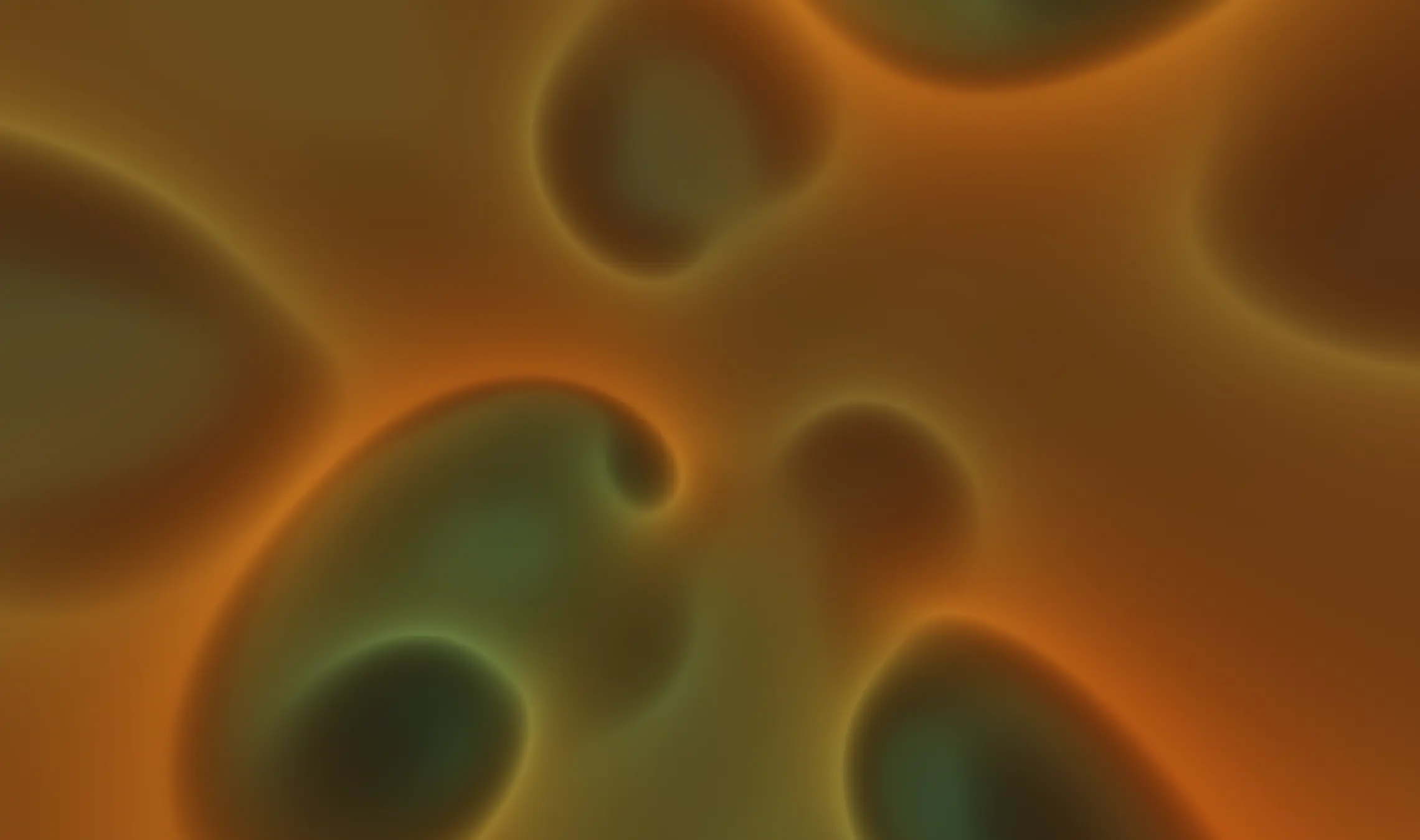
What I'd do first
If I was starting over today, I'd try to set myself up for success as much as possible. I wouldn't spend hours working on a setup from scratch, or configuring WebGPU renderers and cameras and all that stuff - I'd start with something that just works.
Get inspired with visual tools
When learning something new, find something that really inspires you. If you find something you absolutely love and want to understand, you'll feel much more motivated to learn how it works.
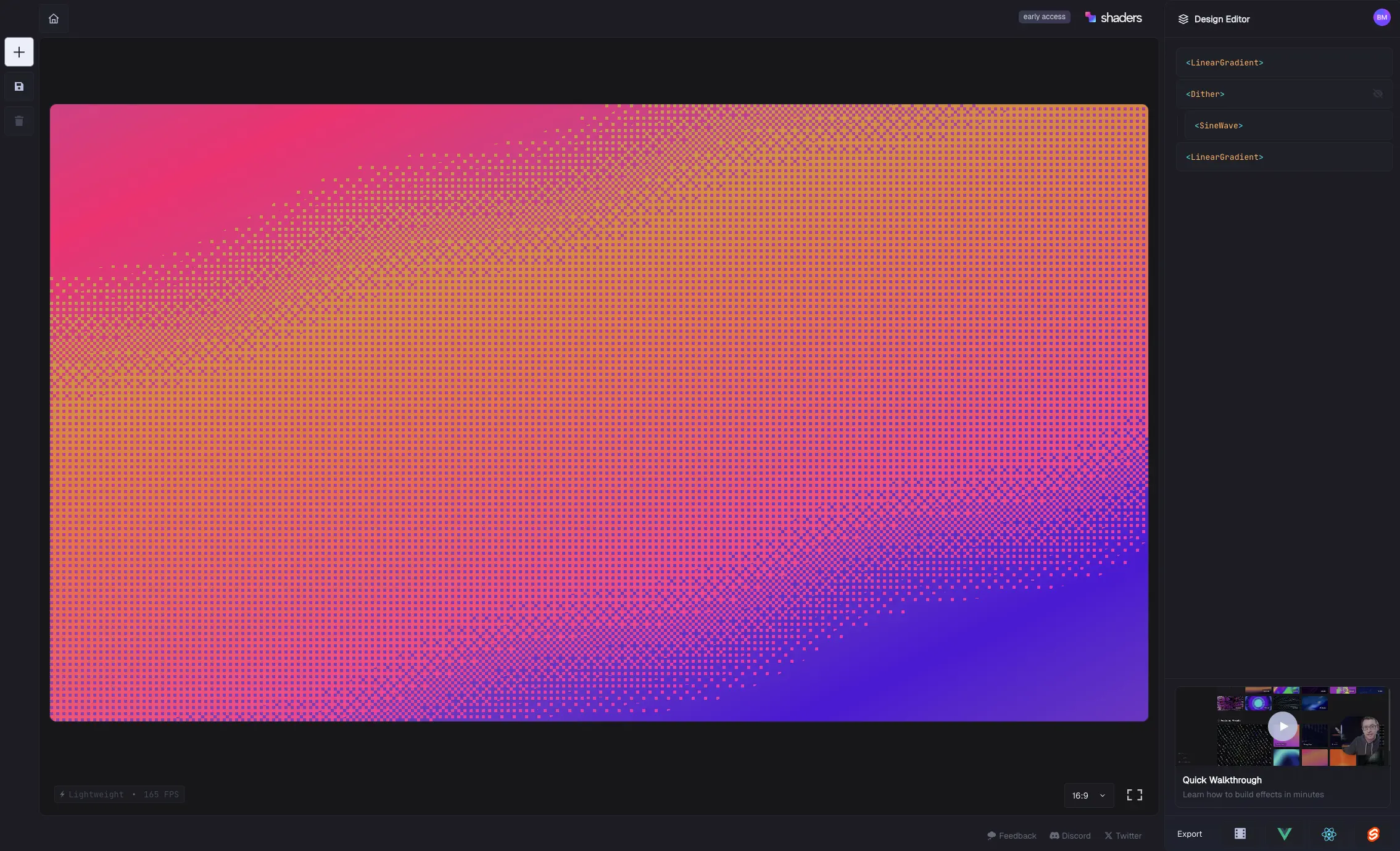
Tools like Shaders.com or Unicorn Studio let you compose shaders visually in unique and interesting ways. Something like Paper lets you drop shaders into your designs and export directly to code.
All of these tools help you understand what shaders can do before diving into code. Understanding the concepts makes learning the code much easier.
Inspiration doesn't just come from shader galleries - it can come from anywhere. Music, movies, textures, landscapes, game design, traditional art. Anything that evokes a feeling or mood can become inspiration. The key is finding something that genuinely excites you, not just something that looks technically impressive.
Learn (some) fundamentals
Before diving into complex effects, it really helps to get a taste of what a shader actually is and how the syntax works. You don't need to master everything - just understand the basics.
A shader is essentially a program that runs for every pixel on your screen. Instead of manipulating pixels one at a time like JavaScript, shaders process millions of pixels simultaneously. The code looks different - it's more math-heavy, with functions like sin(), cos(), fract(), and mix() showing up everywhere.
Learning just a little syntax goes a long way. Understanding how UV coordinates work (they map positions on your screen), how to create colors with vec3() or vec4(), and how basic math functions create patterns - these fundamentals make everything else click faster.
You don't need to become an expert before you start. But having that foundation means when you're copying code or breaking things, you'll actually understand what's happening.
Instead of striving to become an expert, aim for functional knowledge - just enough understanding to be effective. Even a small bit of knowledge can compound into something unique. Some of the most interesting things come from the interplay between different techniques, or the unexpected results of a simple change.
If you want a more detailed approach, I love what Dan Hollick wrote on Making Software: Shaders. It's wonderfully illustrated and detailed.
If you need a more structured approach, there are excellent beginner resources out there. I've done all of these, and they're all great, but most are paid. Here are some of my favourites:
- The Book of Shaders - A great resource for learning the fundamentals of shaders.
- Introduction to pixel shaders - Ilithya has a great way of explaining shader fundamentals that really connects the dots.
- ThreeJs Journey - Absolutely brilliant course by Bruno. It's a great place to learn the fundamentals of shaders, with a focus on building a bunch of different, full projects.
- Simon Dev's Math & Shaders - Simon's courses are fantastic, he has a great way of explaining things and you build some really fun things along the way.
- Wawa Sensei - I really loved Wawa Sensei's approach to teaching shaders - the image slider and transitions sections are really fun to build.
Jump into a playground
I wasted a lot of time building the thing that would help me build the thing I actually wanted to build. I'm a career software developer, so writing code is second-nature to me, but this whole process became procrastination. Instead of doing what I wanted to do, I spent way too much time building around it, thinking it would help in the long run.
I should have just started with a playground and focused on breaking things to see what happened, then learned from it.
I'd start with an online playground. No setup, no configuration - just code and see results:
- Shadertoy - This is where I'd go first - and I still do to this day! Copy someone's code, tweak it, break it, learn from it. The instant feedback is everything. Twigl is a great alternative, with a similar interface.
- The Book of Shaders Editor - Perfect for learning. Great tutorials paired with a live editor.
- GLSL Sandbox - Simple and straightforward. Perfect for quick experiments.
These tools let you focus on learning shaders without fighting setup. I wish I'd started here instead of spending weeks trying to get my own environment working.
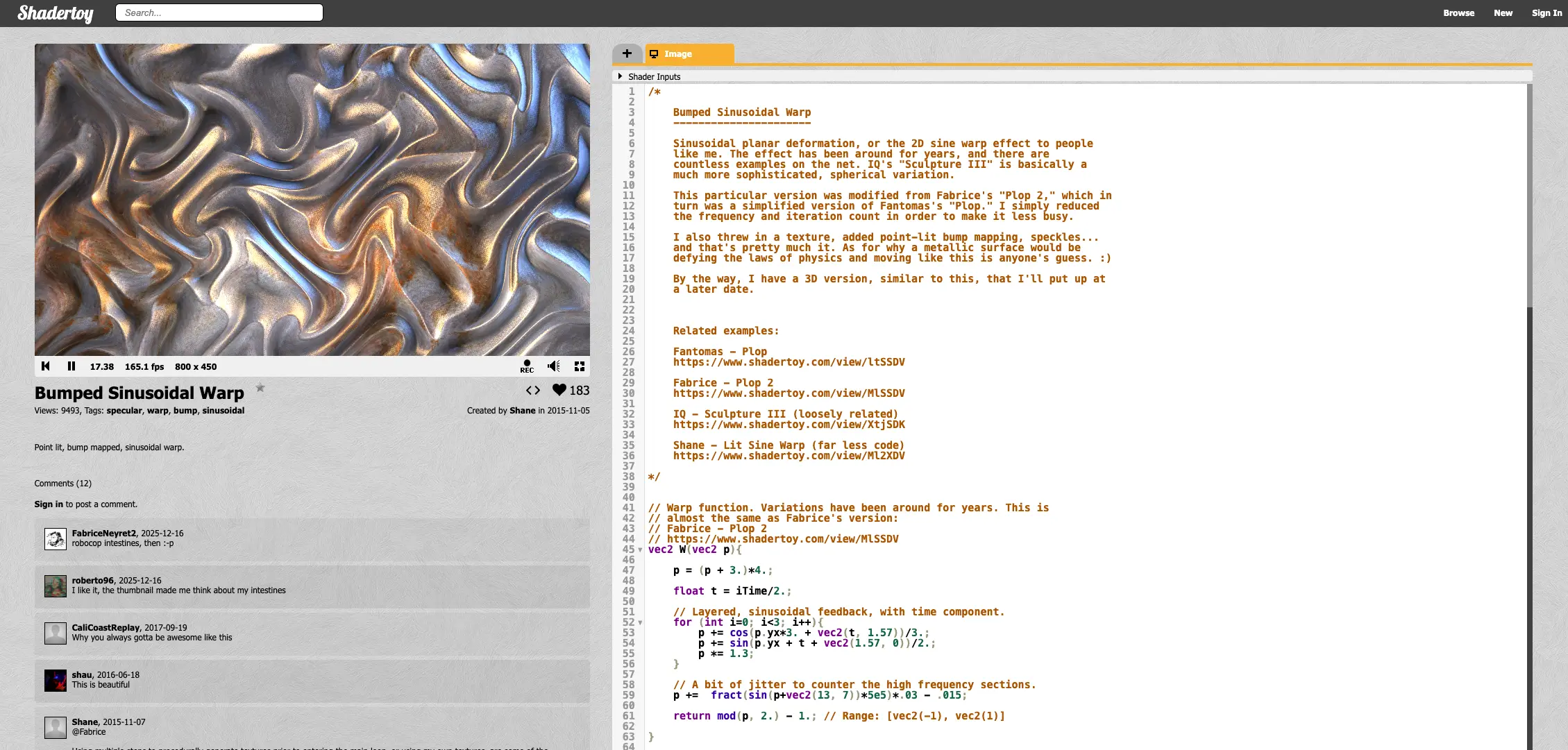
Another quick tip: don't go straight to a water shader and try to recreate it. Start with something simple, or find a shader you love and mess with the variables to see what happens.
One thing I've learned about shader galleries: they can be overtly intimidating. For every incredible example I've seen, I've sometimes felt more deflated than inspired. That's not a good mindset. Start from something you're inspired by, regardless of how technically complex or simple it is. Use shader galleries to learn techniques or implementations, rather than as your primary source of inspiration.
Get a good boilerplate
Once you've spent some time in playgrounds and you're comfortable with the basics, then move to your own environment. But don't build it yourself - use a boilerplate.
I wrote about building a TSL boilerplate - not because I think you should do it yourself, but just so it gets out of your way! You want something minimal that lets you write shader code without thinking about the other stuff until you're ready for it.
I spent way too long trying to understand every part of the setup. You don't need to. Just use a boilerplate and focus on the shader code.
How I'd approach learning
Now that we have a foundation, here's the approach I'd take to learn building shaders:
Copy something simple
When you're starting out, start with something simple and copy it exactly. I spent way too much time trying to understand everything before coding. Don't do that. Just get something working first:
- Find a simple shader - maybe a gradient or a basic pattern (Maybe check out some shaders for some code to copy)
- Copy it exactly. Even physically typing the code can help you understand it better
- Run it and see what happens
Think of it like a diamond: start with your focus narrowed (a simple shape or pattern), then expand your ideas to experiment, and finally converge to a final result you like. Starting simple leaves the possibility space open while narrowing the scope. You can always add complexity later - repetition, variation, motion, color - but start with one thing.
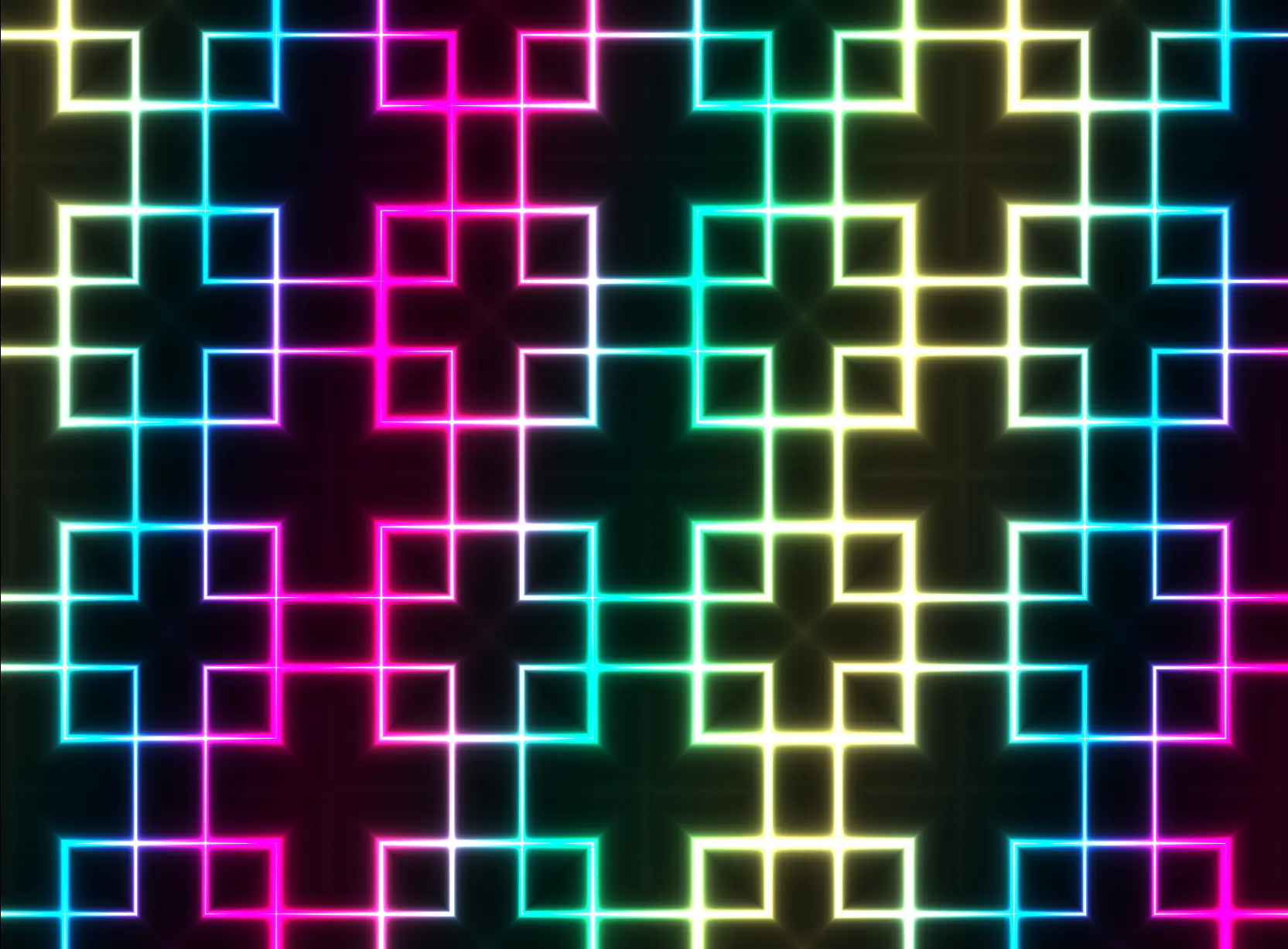
Break it on purpose (Experimentation)
Now change things on purpose. What happens if you multiply a value by 2? What if you swap two numbers? What breaks, what doesn't and what makes things more interesting?
Breaking things on purpose is a great way to see the power of shaders. It's not only a great way to learn how things work, but you're also an active participant in the discovery process. You see and experience the results of your own changes, and that instant feedback is incredibly rewarding.
For me, experimentation is the joy of discovery. Stumbling across something you've never seen before, or fumbling your way into a happy accident, is one of the most satisfying feelings - like you're forging new ground. Embrace the chaos and just try stuff. A lot of my best outputs come from experimentation - both controlled changes (changing values yourself) and procedural changes (adding randomization or using loops).

I mentioned a lot of courses earlier and I think they're really valuable when you're starting out, or if you need something explained in more detail, but it's possible to fall into the trap of just reading tutorials without actually creating things that are personal, or unique to you.
Understand why it broke
When something breaks, don't just fix it. Figure out why it broke. That's where the real learning happens.
When I started learning about fractal-like geometric patterns, I learned so much about the fract() function and how to use it to create patterns that are both simple and complex. Experimenting with different values - multiplying and dividing by different numbers - creates extremely different patterns. I tried multiplying UV coordinates by whole numbers, then by fractions, noticing how broken and fractured the patterns became. It taught me more about Domain Repetition than any tutorial.
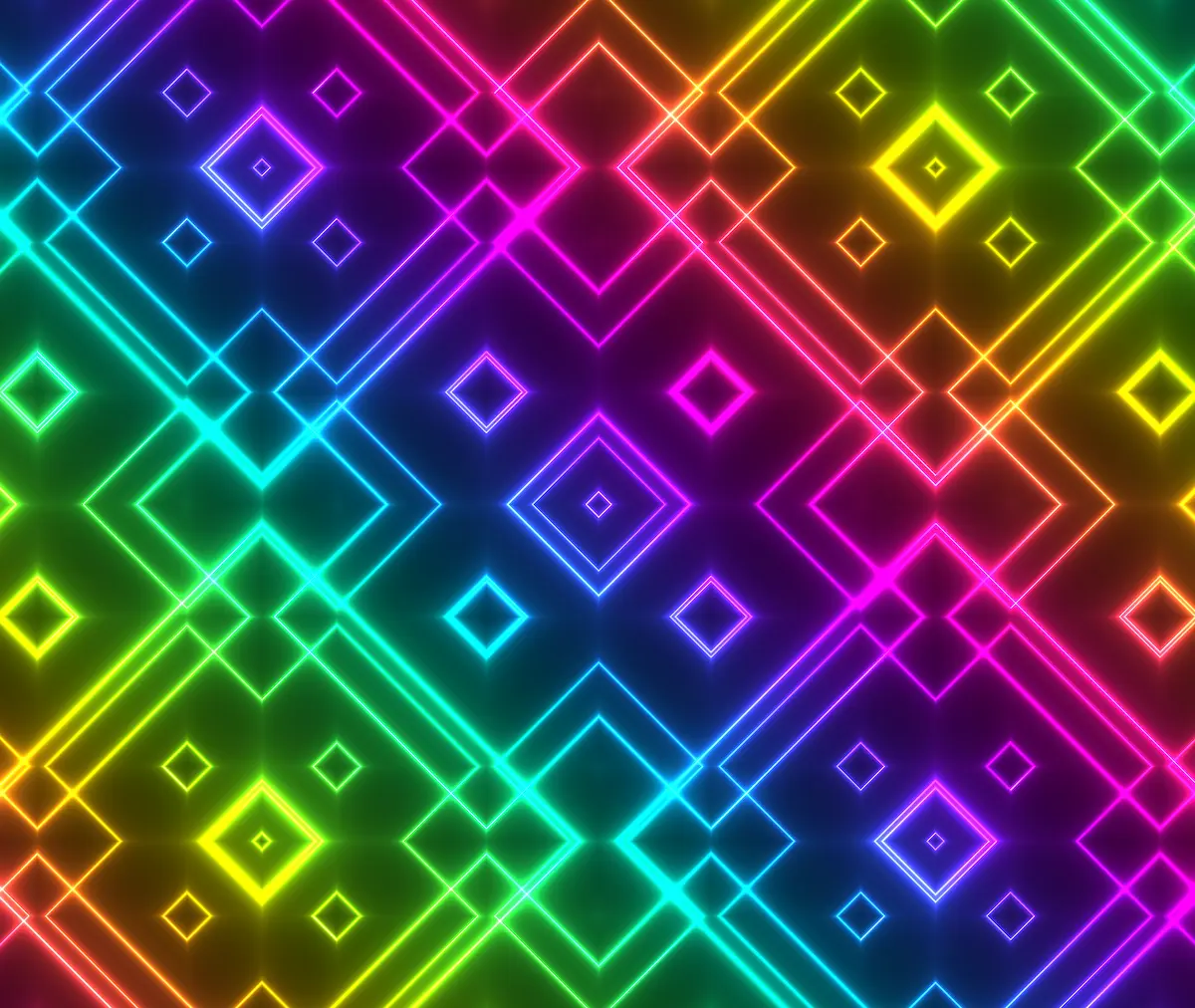
This is why I'm such an advocate for experimentation. Actually doing things and seeing what happens is so rewarding.
Mistakes I made that you can avoid
I made all of these mistakes. Knowing about them would have saved me months:
Trying to learn everything at once
I thought I needed to understand linear algebra and advanced math first. You don't. Learn what you need when you need it. I wasted so much time on theory that I didn't use for years.
Perfectionism
My first shader was ugly. So was my second. I kept trying to make them perfect before moving on. That was a mistake. Progress matters more than perfection.
Not experimenting enough
I read tutorials for months before I actually started coding. Reading tutorials won't teach you as much as actually making things. Code, break, repeat. That's the only way to learn.
Giving up too early
Shaders are hard. I almost quit so many times. Everyone struggles. The people who succeed are the ones who keep going when it gets frustrating.
Not being consistent
Here's a secret that took me over 20 years to realize: The key to getting better at your craft - or anything really - is intentional practice and consistency. I have a young kid, a full-time job, a mortgage - all the things. It's hard to find time to practice, and even harder to visualize yourself improving. But even spending 5 or 10 minutes a day, or every other day, focusing on something or practicing with intention is enough to dramatically improve your skills. You'll look back in a month and be shocked how far you've come.
Not taking breaks
Something often overlooked is the importance of downtime - letting your body and mind rest and digest. How many times have you been completely stuck on something, only to have the solution pop into your head when you're doing something completely different, like going for a walk or taking a shower? That's your brain subconsciously processing what you've been working on - it's an extremely powerful and underrated trait you can take advantage of.
Remember, progress is not linear - we can't go from A-Z in a day. Practice when you can, but also give your brain time to rest and recover. That's key to lasting results.
What I'd focus on first
If I was starting over, I wouldn't try to master everything. I'd focus on these basics and ignore everything else:
- UV coordinates - Understanding how to map positions on your screen. This is the foundation of everything. I spent way too long confused about this.
- Basic math functions -
sin,cos,fract,mix- these show up everywhere. Learn these four first. Don't worry about the rest until you need them. - Color manipulation - How to create and blend colors. This is where things start getting fun. Once you can manipulate colors, you can create so much.
- Simple patterns - Circles, lines, grids - the building blocks of everything else. Master these before moving to complex stuff.
Each of these builds on the last. I tried to learn everything at once and it didn't work. Focus on these basics first.
Taking it to the next level
Once you've got the basics down, here's where I'd go:
- Techniques - Learn specific patterns like noise or geometric shapes. These are the building blocks that let you create real things.
- Experimentation - Break things on purpose. See what happens. Understand why it broke. Repeat.
- Combining techniques - The real magic happens when you layer techniques together. This is where I started creating things I was actually proud of.
The goal isn't to become an expert overnight. It's to gain functional knowledge so you can start creating now. Everything else comes from practice.
Start with simple ideas - a single shape, a single color, a single effect. From there, layer complexity: add repetition, add variation, add motion, add color. But start with one thing. This approach leaves the possibility space open while narrowing the scope. You can always expand later, but starting simple gives you a solid foundation to build on.
What I wish someone had told me
Here's what nobody told me when I started: shaders aren't as hard as they look. The barrier is mostly in your head.
The math isn't advanced. The concepts aren't impossible. The hardest part is getting started and sticking with it.
I spent way too long thinking I wasn't smart enough or that I needed more background knowledge. That wasn't true. I just needed to start.
Start small. Copy something. Break it. Understand why. Repeat.
That's it. That's the whole game. Everything else is just iteration.
If I was starting over today, I'd follow this exact path. It's the approach I wish I'd taken from the beginning. If you're ready to dive deeper, Fragments has everything you need: techniques, utilities, and over 120 shaders with full breakdowns. But start with the basics first. Master those, and everything else becomes possible.