More ways to bend your shaders
A new batch of TSL utilities for bending space, softening light, and nudging color — blurs, distortions, and post-processing effects ready to drop into your shader pipeline. When you're happy with the base, sprinkle in some image adjustments to really dial in the look of your scene.
I wrote about entering my post-processing era a while back. That was a really fun set of stylistic effects that I've been using in my own projects for a while now. Things like CRT scanlines, dithering, grain, halftone effects. These things give a ton of texture and mood to a scene.
This round is a little different. Some of these are effects I've been using elsewhere that were missing from Fragments. Others are ones I'd wanted to build for a while but always found a little intimidating to implement properly.
They fall into three areas: blur effects, distortion effects, and image adjustments. Where it makes sense, each distortion utility ships in two flavours — a function you can use inside any shader, and a post-processing effect you can drop on a finished render. Same underlying technique, two entry points.
The blur family
I've created four blur effects, all based on the same underlying technique: diskBlur. It's a golden-angle sample spiral with Gaussian weighting — a Vogel disk that stays smooth even at large radii. This means no concentric banding or ugly stepping.
I really like how using a disk kernel gives you wonderfully physically accurate results at the cost of a slightly more complex implementation and higher sample counts. Generally, my eye prefers the look, so I like to use it for things like depth-of-field fakes and backgrounds.
Gaussian blur
The simplest one. Uniform softness across the whole frame. Good for backgrounds, depth-of-field fakes, and anywhere you just need things to feel a little less sharp.
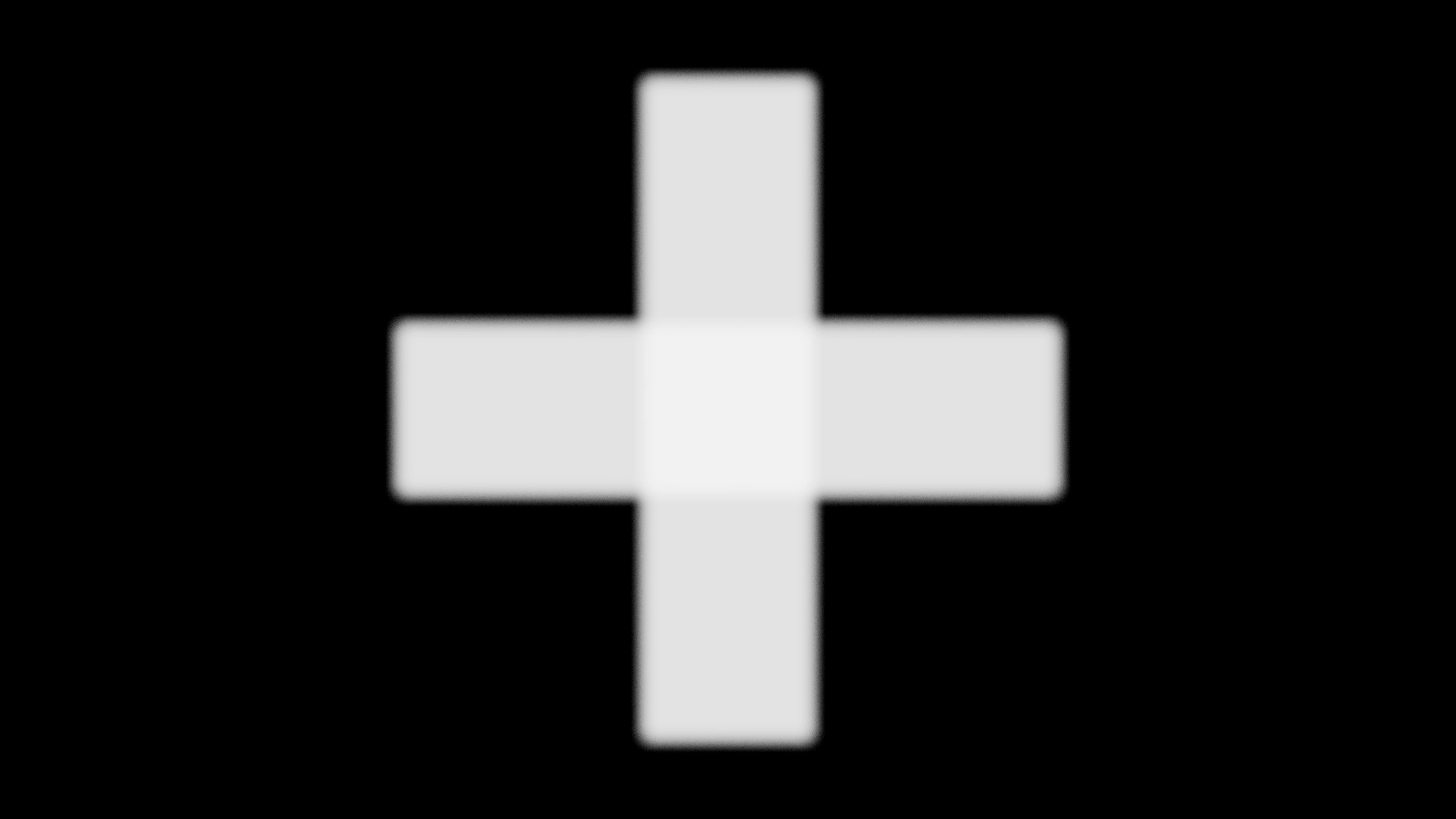
Dial radius up for a dreamy wash, or keep it subtle for a gentle soften.
Progressive blur
This one ramps from sharp to blurred along an axis. It's the look behind frosted UI panels, iOS-style headers, and floating cards over busy backgrounds.
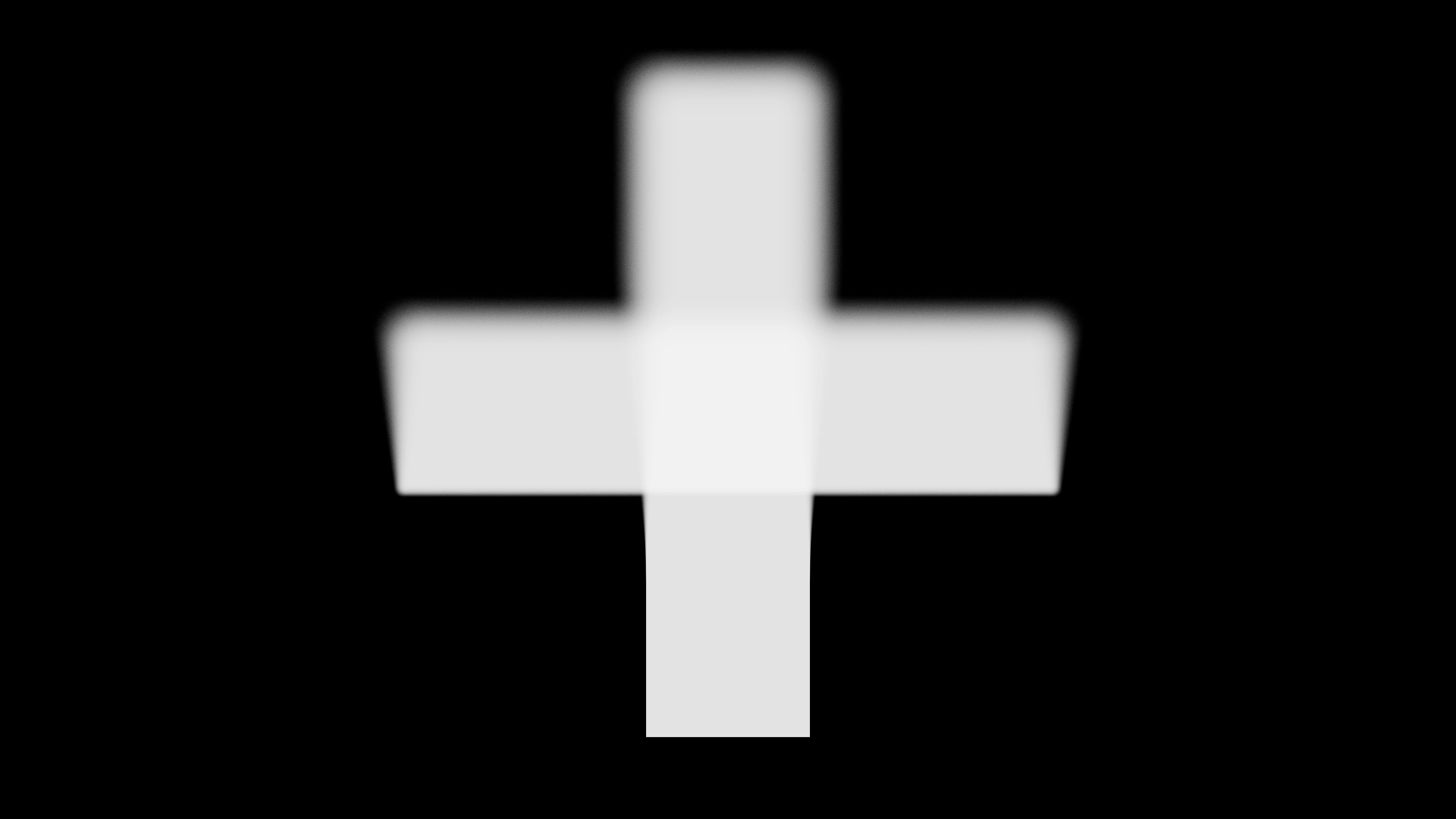
Set angle for the gradient direction. Use start and end to place the transition band exactly where you want it. This is actually my favourite blur in the set — there's something really magical about the way it blends sharp and soft areas. Kind of fits with my obsession with mesh gradients.
Radial blur
Sharp at a focal point, blurry everywhere else. Gives a zoom or burst feel — like the scene is rushing toward (or away from) something.
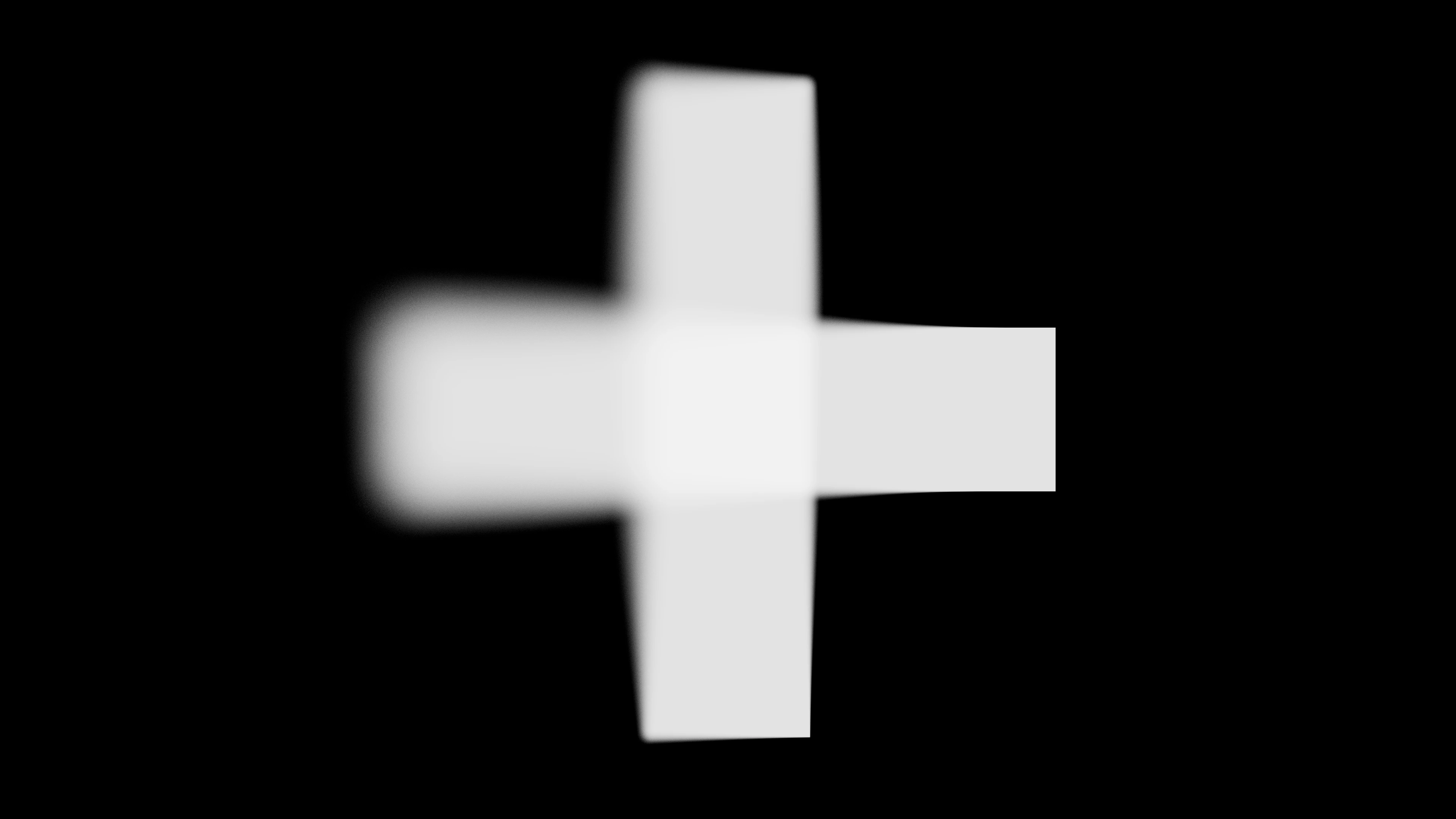
Move center to reposition the sharp spot. Widen start and end to control how fast the blur kicks in.
Tilt-shift
A sharp band across the frame with blur on either side. The classic miniature / toy-town look.
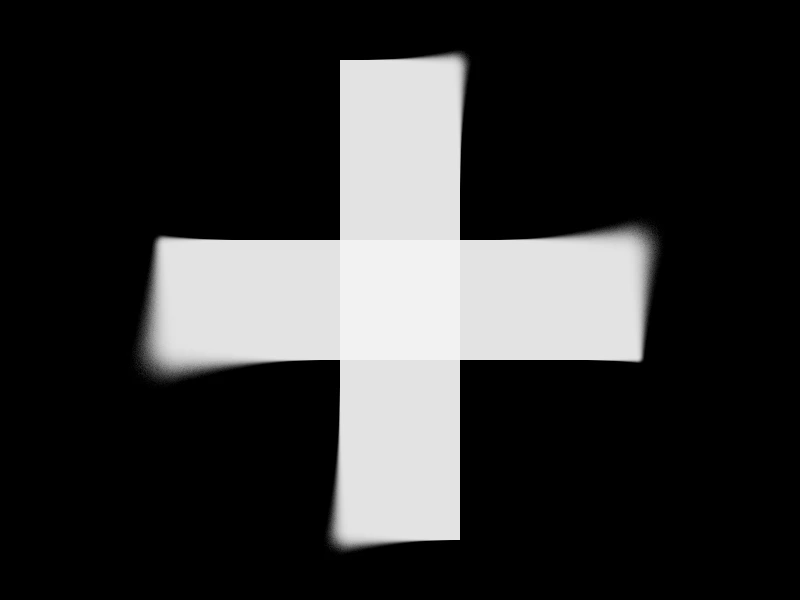
center, focusWidth, and gradient shape the sharp zone. angle lets you rotate the band horizontally, vertically, or anywhere in between. This is a lovely effect that can be used to dial in a sense of scale or distance to a scene.
The distortion family
These five warp UV coordinates before sampling — a natural extension of the distortion effects already in Fragments. Use the functions directly in your shaders, or reach for the post-processing versions to transform a finished scene.
Fluted glass
Ribbed privacy glass. UVs get refracted across parallel flutes — waves, bars, or rounded profiles. The post-processing version adds relief shading and a touch of chromatic aberration so it reads as actual glass, not just wobbly lines.
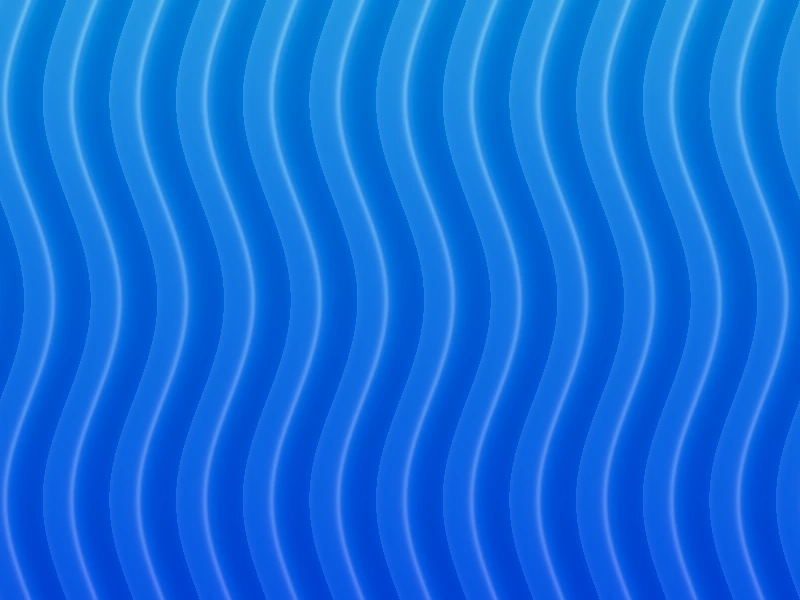
You see this effect in so many places — it's something I've been a little obsessed with for a while now, so it was good to dive into it and implement something interesting in Fragments.
Kaleidoscope
Folds UV space into mirrored radial segments. Turn any pattern into a mandala. Six sides is the classic look, but crank sides up or down for different symmetry.
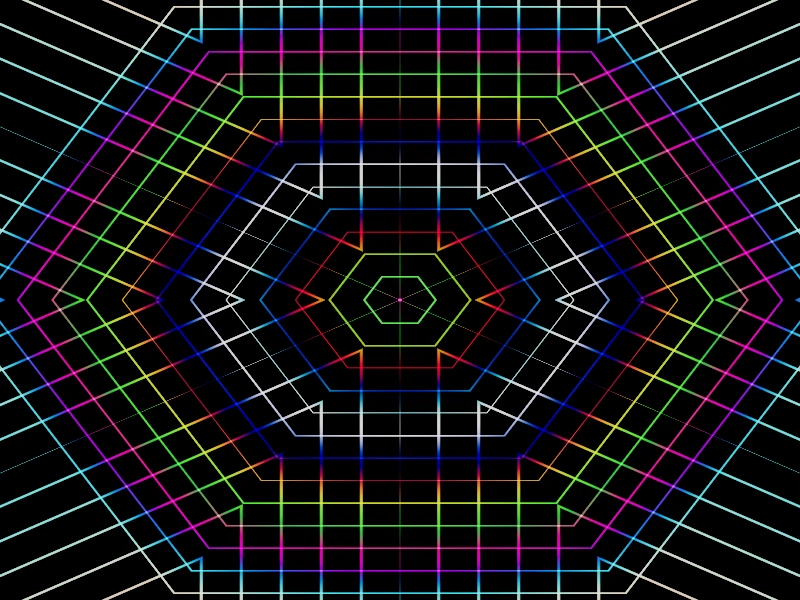
Pairs naturally with kaleidoscopic fractal work — same symmetry idea, different layer of the stack.
Mirror
Reflects one half of the image across an arbitrary line. Symmetric compositions, Rorschach vibes, or just a quick way to double something interesting.
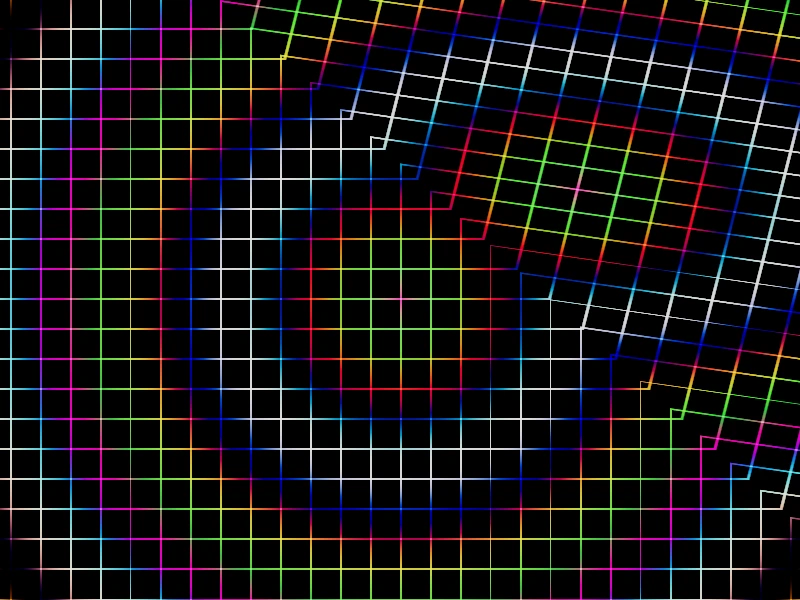
Set angle and offset to place the mirror line anywhere on the canvas.
Polar
Remaps Cartesian UVs into polar space. Tunnels, vortices, tiny planets. One of the most versatile coordinate transforms in the toolbox.
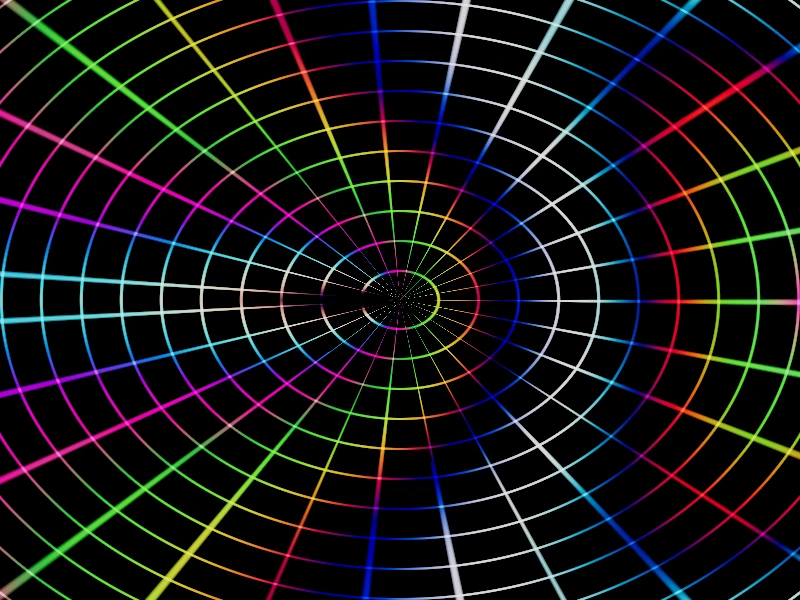
If you've used the coordinate functions utility before, this is the distortion version — it actually warps the image instead of just giving you polar coordinates to work with.
Stretch
Pulls or squeezes along an axis from an anchor point. Motion streaks, directional emphasis, elastic transitions.
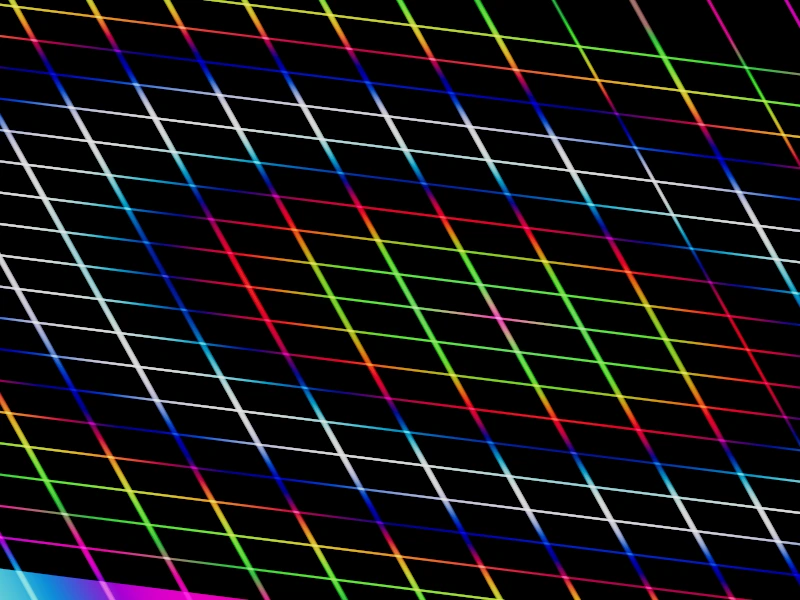
Positive strength stretches outward. Negative squeezes inward — handy for squash transitions or directional motion streaks.
How to use them
Post-processing effects are written in TSL and work with the existing PostProcessing component:
import { PostProcessing } from '@/tsl/post_processing/post_processing'
import { kaleidoscopeDistortionEffect } from '@/tsl/post_processing/kaleidoscope_distortion_effect'

<PostProcessing effect={kaleidoscopeDistortionEffect} args={{ sides: 8 }} />
For shader-level work, import the distortion functions directly and sample your texture through the warped UVs. Stack distortions before post-processing, or chain post-processing effects after your main render. For color tweaks, import the image adjustments and chain them inside your colorNode after sampling.
The full docs for each utility live in the utilities collection — parameters, code examples, and implementation references included.
Image adjustments
Rounding out the release is a set of image adjustments — color-in / color-out helpers you chain inside a shader's colorNode, the same way you'd use tonemapping. There's grayscale, sepia, invert, brightness, contrast, saturation, exposure, gamma, hueRotate, and vignette.
They're not post-processing passes; you sample your texture, pipe the color through whatever stack you need, and you're done. Every amount takes a plain number or a TSL uniform, so they're easy to wire up to dials — handy for dialing in a photo texture, or nudging a procedural piece when it's almost there.
Why these matter
Blurs and distortions are some of the most-requested building blocks I see in the community. Design engineers want frosted panels. Shader artists want kaleidoscopes and tunnels. And almost everyone ends up needing a quick brightness nudge or a saturation tweak at the end of a session.
Building them as shared utilities means you get the same quality kernel and the same clean API across every effect — whether you're warping UVs, blurring a pass, or chaining color adjustments inside a colorNode. Less copy-paste. More time making things look good.
All of this is live in Fragments now.