What is Genuary?
Genuary is a month-long creative coding challenge that runs every January. Each day has a prompt — sometimes technical, sometimes conceptual — and the goal is to create something generative that responds to it. Learn more about Genuary here.
For me, Genuary 2025 was the kickstarter for Fragments. I had been experimenting with shaders for a few years, but there was still a disconnect between my skills and what I was actually able to create. Having a prompt every day to focus on — and a reason to stick to it and ship something every day — was exactly what I needed to take the next step.
This year I'm taking the same approach, but this time I want to push everything I've learned over the last year as far as I possibly can. Having all of the resources in Fragments at my disposal, I want to see how far I can push each prompt.
The first six prompts
Here's what I built for the first week of Genuary 2026:
Genuary 1: One color, one shape.
Genuary 1 started simple: "One color, one shape." I wanted to make something inspired by the direction of an upcoming game called Marathon — something that draws heavily from a post-apocalyptic, cyber aesthetic and strong graphic design.
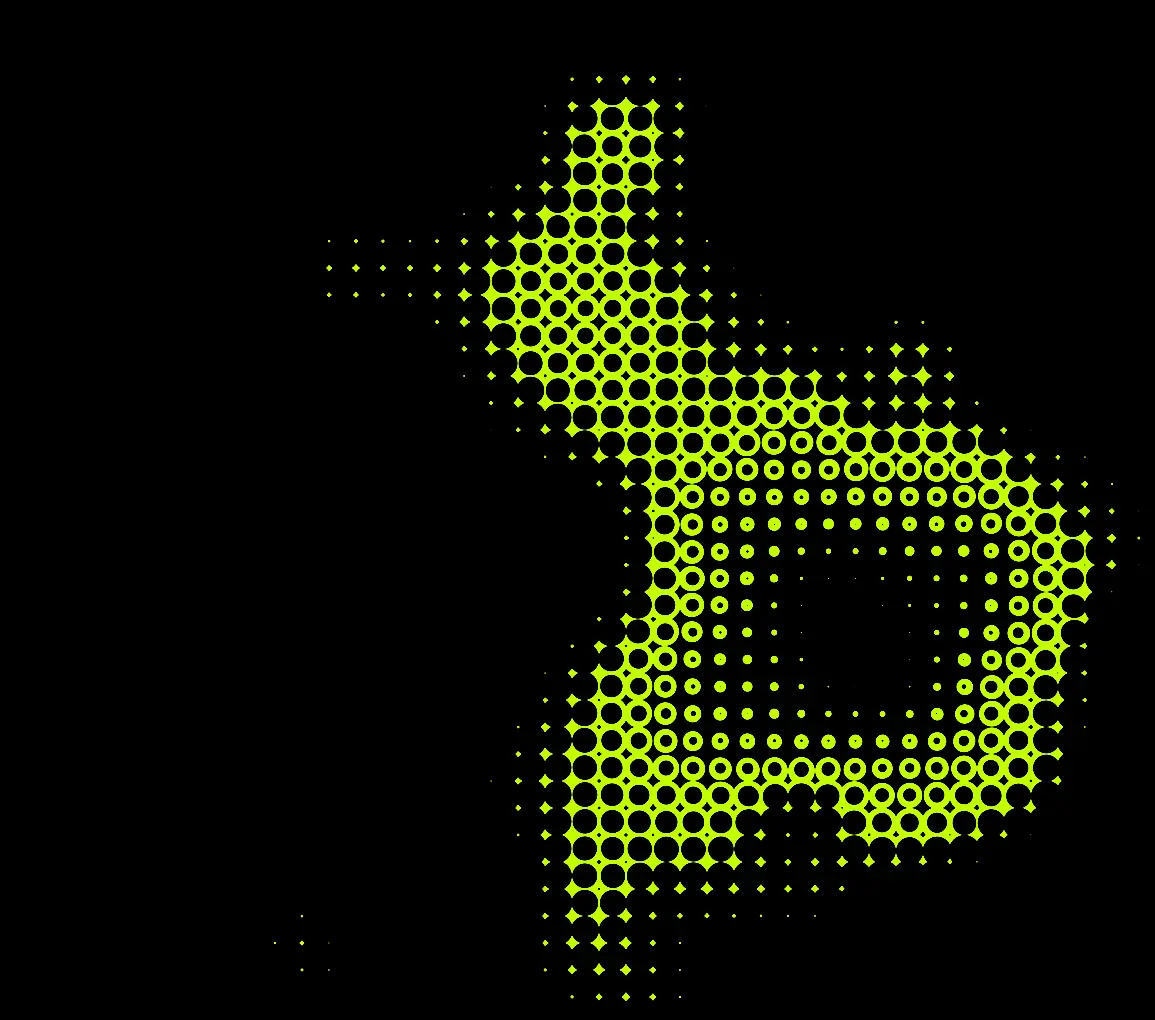
I created a repeating grid of spheres with noise-modulated edges. The constraint forced me to focus on form rather than color complexity. The key technique here was using fractal Brownian motion to warp the sphere edges, creating organic variation while keeping everything in a single yellow-green color. Sometimes limitations spark the most interesting solutions.
Genuary 2: The 12 principles of animation
Genuary 2 explored the principle of staging through raymarching. The secret here is rendering repeating spheres in 3D space with dynamic iteration counts to create that tunnelling effect, focusing your eyes.
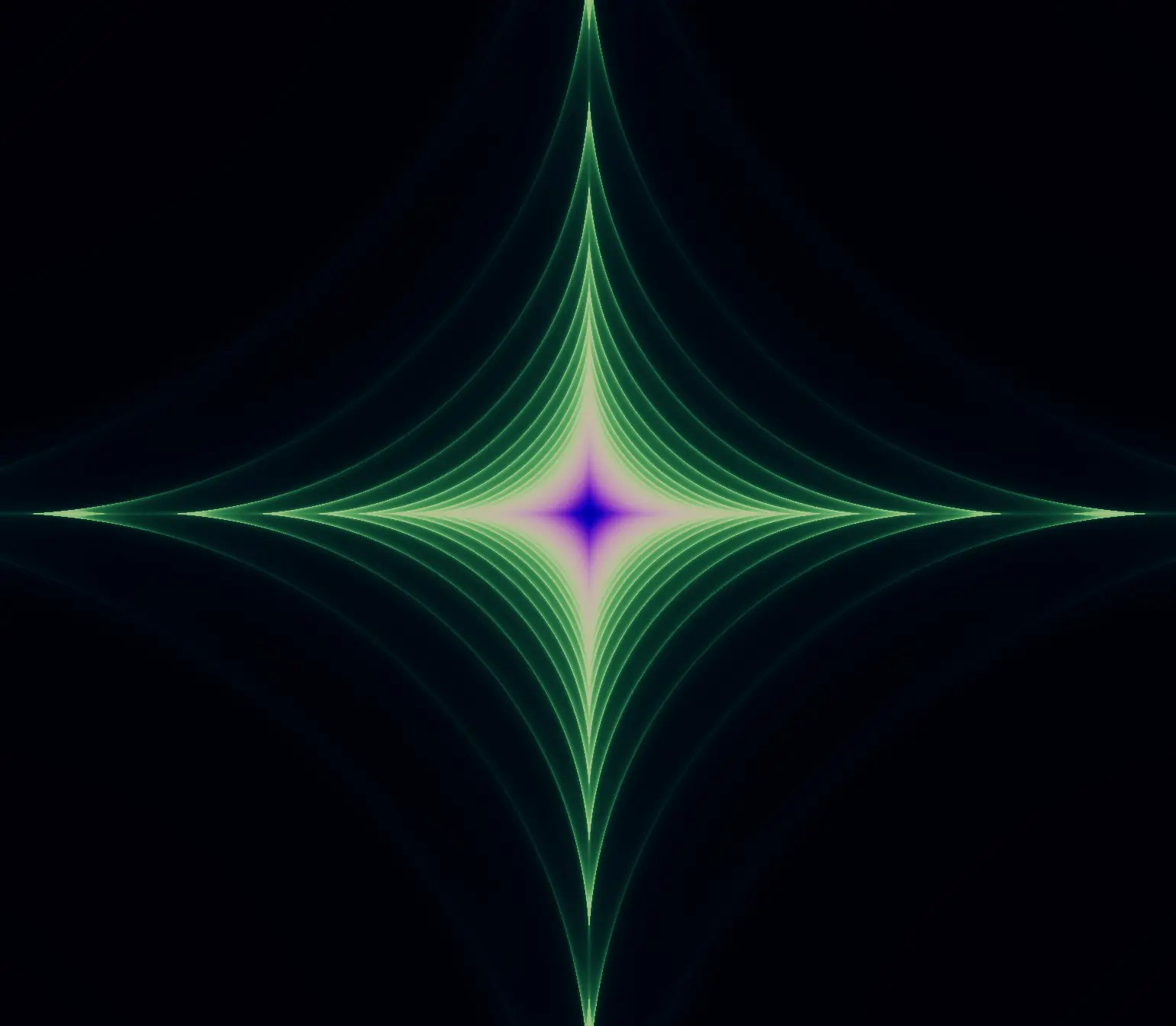
This was my first dive back into Raymarching for this Genuary, and it wasn't going to be the last.
Genuary 3: Fibonacci forever.
Genuary 3 forced me (haha!) to tackle a Mandelbulb fractal — a 3D extension of the Mandelbrot set. Heavily inspired by Inigo Quilez's article on Mandelbulb fractals.

This gave me a good opportunity to upgrade the lighting model I've been using for my raymarching shaders. I added rim lighting to the surface and improved the overall contrast and depth.
Genuary 4: Lowres.
Genuary 4 plays with Pixellation to create a low-resolution effect. I didn't really want to pixelate the entire image — just certain parts that matched a threshold to create interesting contrast between high and low resolution areas.
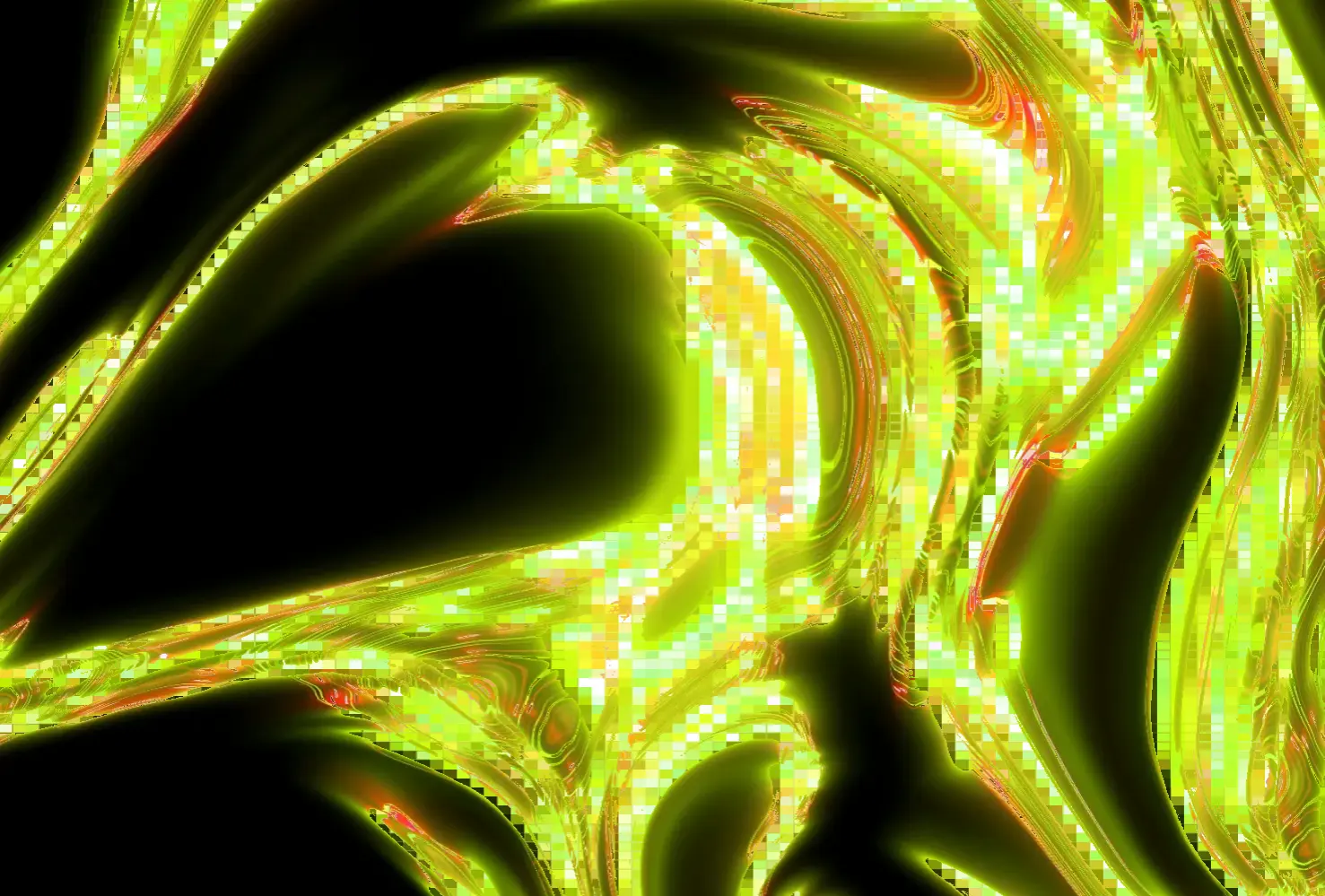
The trick was calculating perceptual luminance using Rec. 709 weights, then using that to mask where the pixellation effect applies. Dark areas stay sharp; bright areas get that retro pixel art look.
Genuary 5: Writing the word "Genuary" without using a font.
Genuary 5 "spelled" out the word "Genuary" using Morse code. I was tempted to use raymarching again, but I really wanted to try something different here.
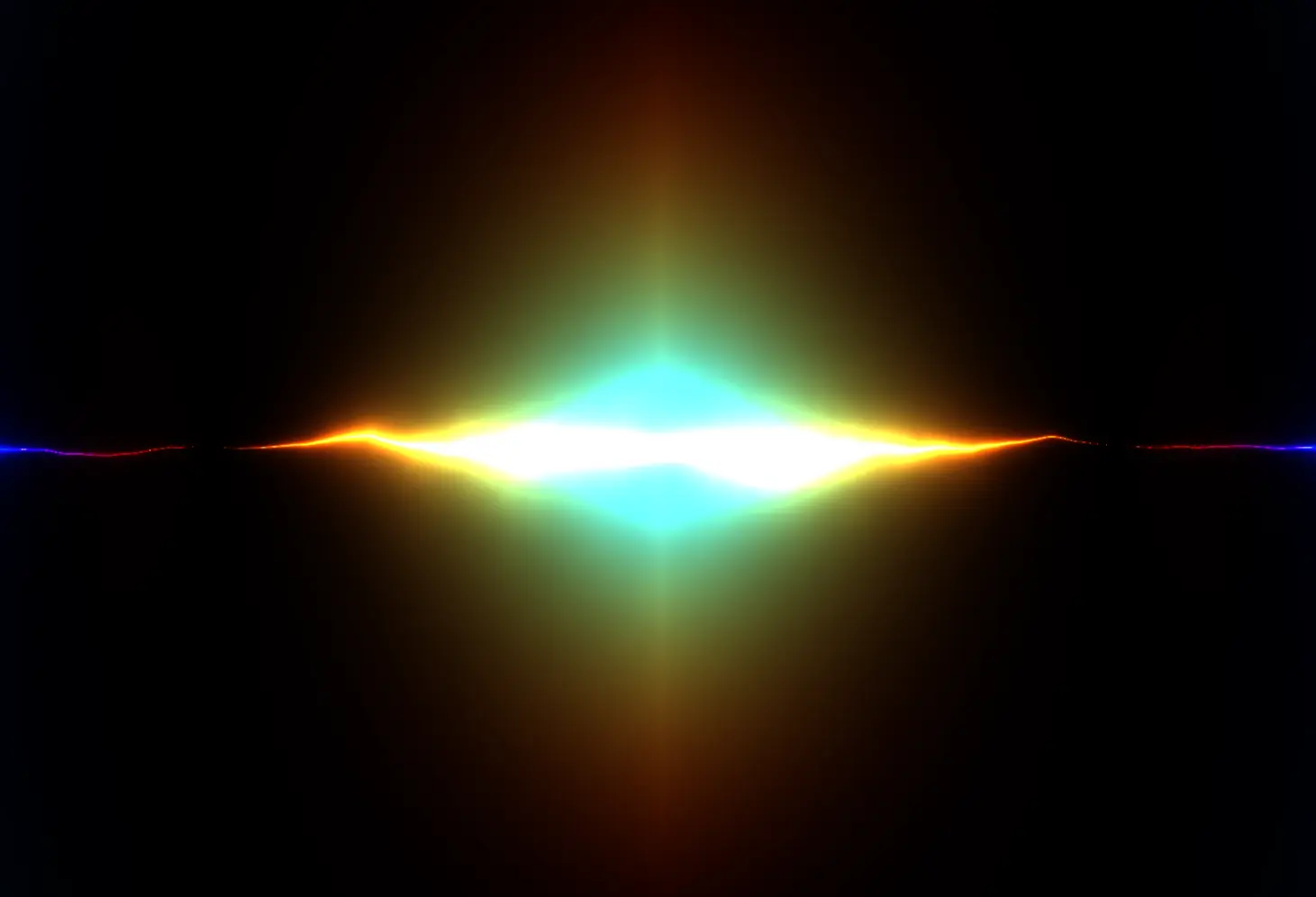
Encoding the word as --. . -. ..- .- .-. -.-- and animating through the sequence created something that felt more like a visual signal than typography. That's one thing I love about these prompts, you can interpret them in so many different ways. This one is pretty abstract, but I think it works.
Genuary 6: Lights on/off.
Genuary 6 sent me back to raymarching again — this was something I'd had in my head the minute I saw the prompt. It switches between two rendering "modes" every 2 seconds. The "lights off" mode uses dithering post-processing effect to create a low-resolution digital look; "lights on" shows the full rendered scene with complex lighting.
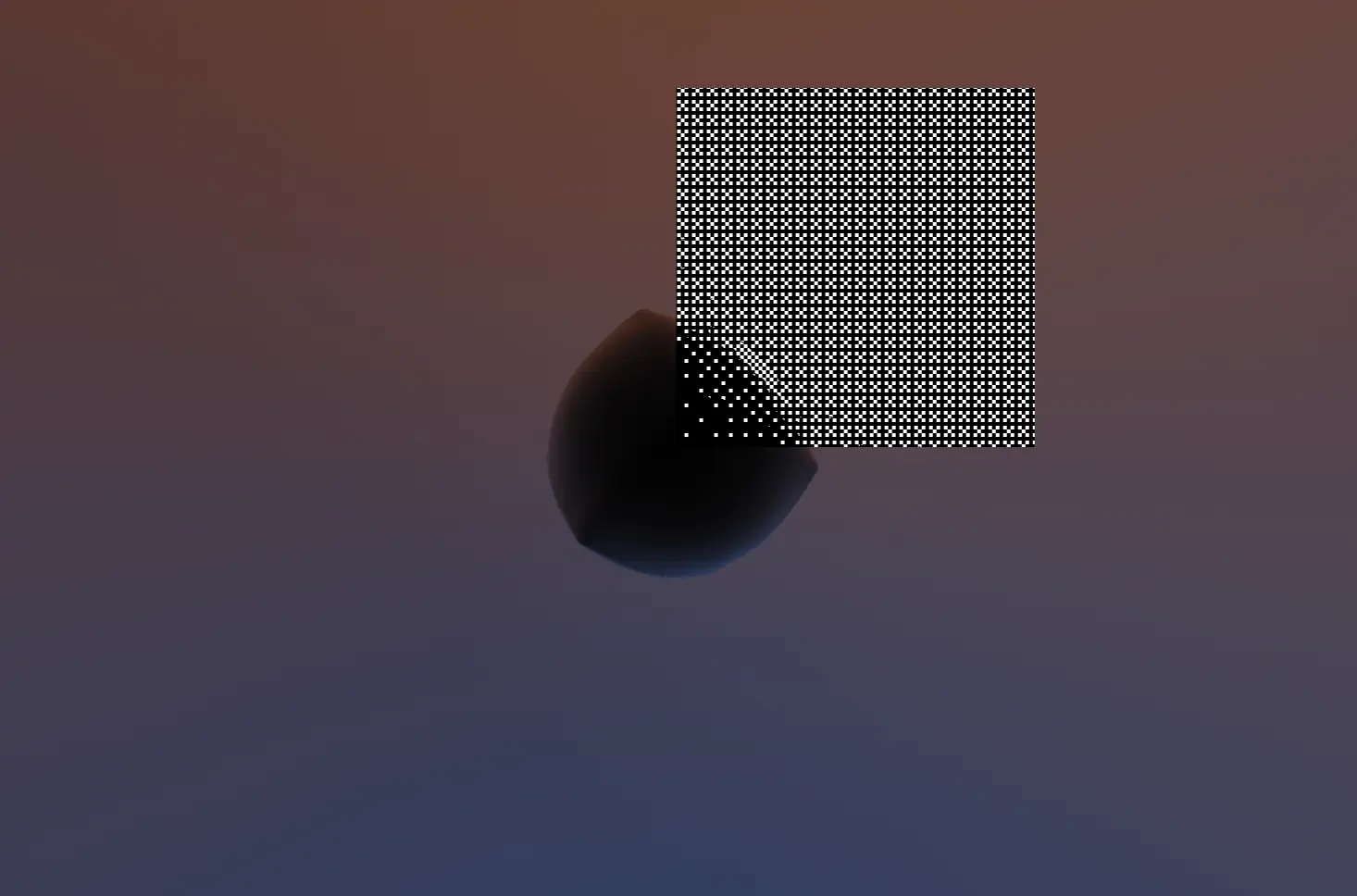
The transition uses a mask to create an abrupt effect across the screen. I really like being able to apply these effects to scenes so easily with TSL.
What I learned so far
After completing these six sketches, I'm feeling more confident in my shader abilities than ever. The years of experimentation and learning are really paying off. Here's what stuck out to me:
-
Raymarching is extremely rad. You define shapes with math, then let the GPU figure out how to render them. You can apply incredible lighting, effects and more with pretty simple code.
-
Complex lighting systems aren't as intimidating once you break them down. Ambient, diffuse, hemisphere, rim, and specular each do one thing, and together they create something that feels real.
-
Constraints spark creativity. "One color, one shape" forced me to think differently about form and variation.
-
Selective effects often look better than applying something everywhere. Masking pixellation based on luminance created more interesting results than pixelating everything.
Why daily challenges work
Daily creative coding challenges like Genuary force you to ship something every day. There's no time to overthink or perfect — you just make something and move on.
I think that's why they're so effective — they get you to move past the "I can't do this" mindset and into the "I can do this" mindset. That pressure is valuable. It teaches you to work quickly, make decisions fast, and accept that not everything needs to be perfect.
Some of my favorite pieces came from shaders I thought were failures until I stepped back and saw what they actually were. That's the magic of daily challenges — they push you to create even when you're not feeling inspired.
Follow along!
I've been posting my shaders daily on X along with a ton of amazing creative coders and artists using the #genuary #genuary2026 hashtags. Every shader appears on the Works page, alongside all of the code.
The best part about Genuary? It's not about perfection — it's about showing up every day and making something. Even if it's not your best work, you're learning, experimenting, and building skills that compound over time.
That's what creative coding is really about: the process of discovery, not the final result. And that's exactly what Genuary 2025 did for me — it gave me the push I needed to start Fragments. I'm excited to see where this year's challenge takes me.
If you want to dive deeper into any of these sketches, you can explore the full breakdowns with source code in the Works collection. Each one includes detailed explanations of how the techniques work and how to adapt them for your own projects.
Want to unlock the full Fragments collection? Get access to all 11 techniques, 36+ utilities, and over 120 shaders with complete breakdowns — sign up here.