A round of updates
I've got a fresh round of updates for you in this post. There's a new set of image adjustment effects that were long overdue; a big overhaul of the boilerplate projects that I am really excited about; and a long list of fixes across the whole of Fragments. All of it is stuff that makes Fragments a lot nicer to work in. Let's kick it off with the image adjustment effects.
Image adjustment effects
I've been working on a new thing for the last few months. It's not really ready to reveal yet, but as part of that, I added a set of image adjustment effects that can really make your shaders pop.
They're colour-in > color-out functions you can chain inside a material's colorNode. These are really lightweight (they're just tiny functions, for the most part) that work really well on a single material.
I've also created post-processing versions of each one: image adjustment effects to grade an entire frame or scene if you'd like as well. Here's the big list of adjustments - the names are pretty self-explanatory:
GrayscaleSepaInvertBrightnessContrastSaturationExposureGammaHue Rotate
Each one takes a single control value with a neutral setting that leaves the image unchanged, so you can wire them to dials and sweep from nothing to a lot.
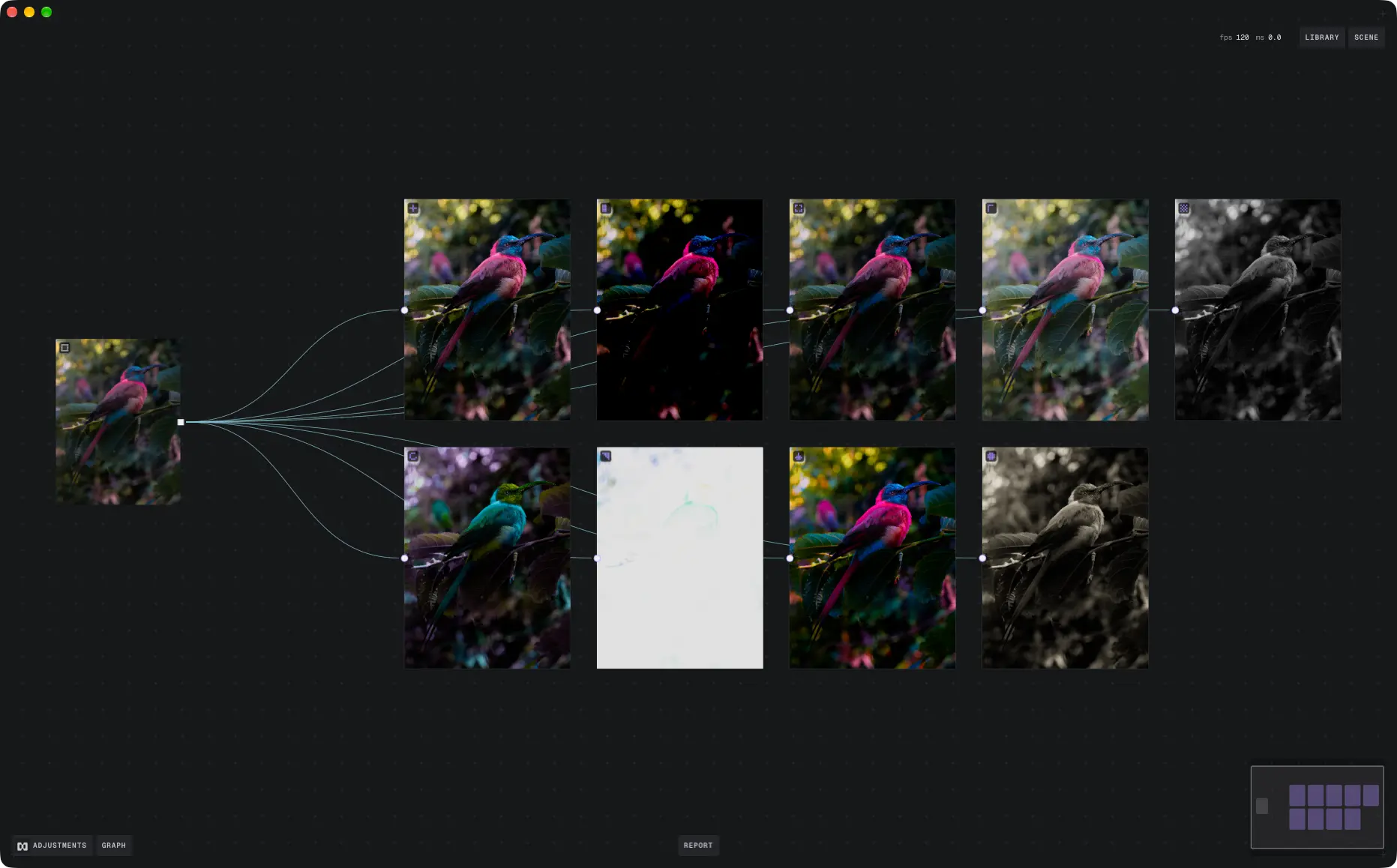
They work with the existing PostProcessing component. Use one on its own with effect and args, or stack several with layers, which run in order:
import { contrastAdjustment } from '@/tsl/post_processing/contrast_adjustment'
import { hueRotateAdjustment } from '@/tsl/post_processing/hue_rotate_adjustment'
import { PostProcessing } from '@/tsl/post_processing/post_processing'
import { saturationAdjustment } from '@/tsl/post_processing/saturation_adjustment'

export const Effects = () => {
  return (
    <PostProcessing
      layers={[
        { effect: contrastAdjustment, args: { amount: 1.2 } },
        { effect: saturationAdjustment, args: { amount: 1.4 } },
        { effect: hueRotateAdjustment, args: { angle: 0.1 } },
      ]}
    />
  )
}
If you only need to adjust one material, stick with the colorNode versions. They skip the extra full-screen pass.
Better boilerplate projects
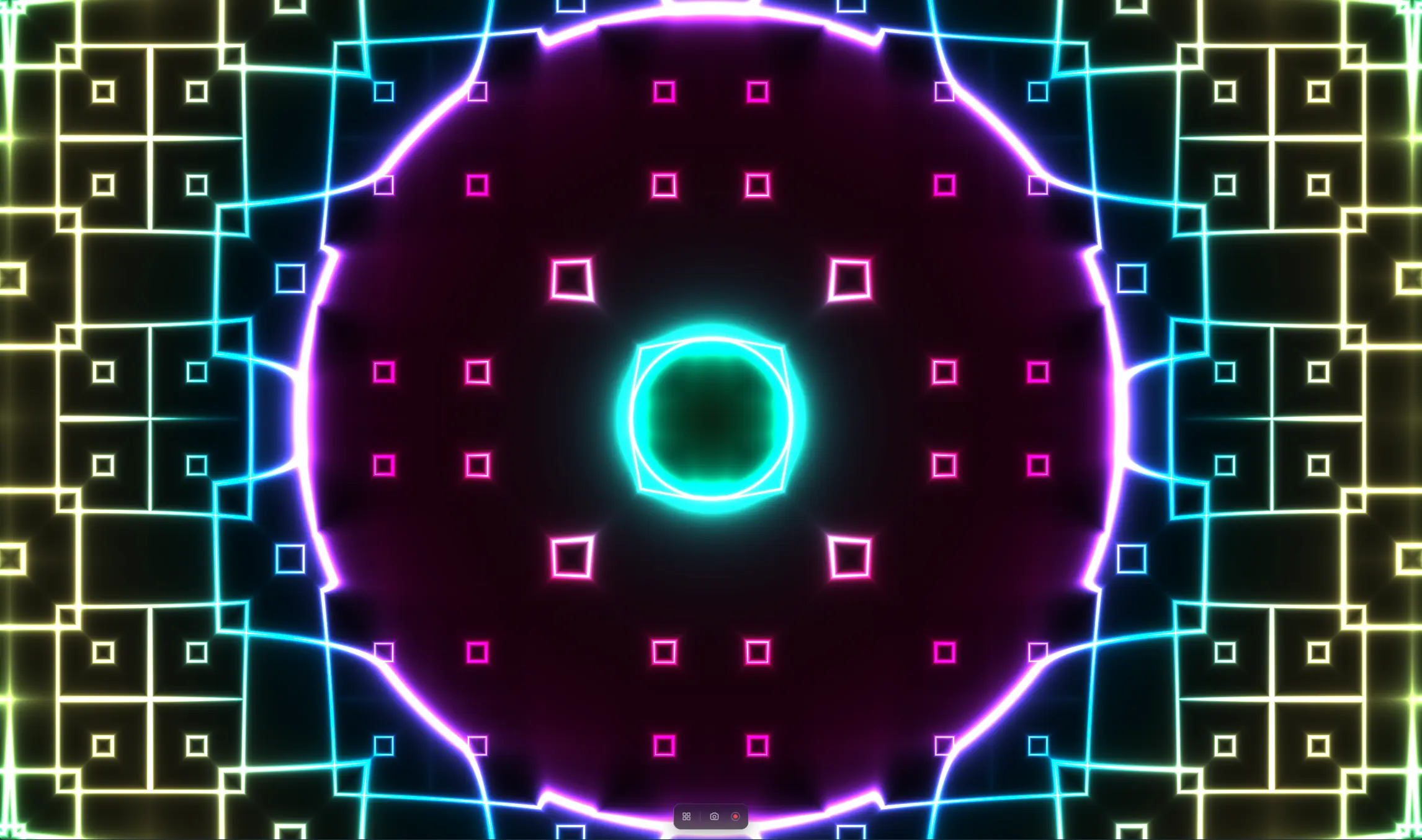
The boilerplate projects are where most people start, and they've been bare for a while now, so I wanted to give them a proper improvement pass:
- Added a new navigation experience to make it easier to move between sketches
- Added a
screenshot capturefeature. Grab a still of whatever is on the canvas without reaching for a screen capture tool - Added a
video recordingfeature. Record the canvas straight to a video file, so animated pieces are easy to share
These are the things I kept rebuilding in my own projects, so it made sense to put them where everyone can use them. They're all completely configurable, so you can tweak them to your liking.
If you've already cloned one, pull the latest changes. Both are on GitHub:
Quality of life across Fragments
Thanks to some really excellent feedback from you all, I've been able to fix and improve a lot of things across the whole of Fragments:
- Vastly improved the performance of the site. Pages load and respond faster across the board
- Navigation and layout are much more reliable across all different breakpoints and devices
- Code examples are now fully self-contained functions with correct return signatures, so you can just copy them into your own project and they should run without a lot of extra work
- Much better signed-in experience
Report a problem
Finally - if something's broken, there's now a Report a problem button in the navigation. It opens a short form, and sends me your message along with the page you're on and a screenshot of what you're seeing. You can turn the screenshot off if you'd rather not include it.
Broken sketches, typos, layout bugs, code that doesn't run. If something's off, send it through. It goes straight to me, and having the page and a screenshot makes it much quicker to fix.
What's next
I've got a bunch of new stuff to talk about in the next few weeks leading up to Black Friday and Christmas. Keep an eye out for more updates soon!